
Fun Snapchat filters are augmented reality (AR) lenses and digital overlays that modify videos or photos with real-time face morphing, voice alterations, interactive games, and aesthetic color grading. Accessed directly through the Snapchat camera lens carousel or search bar, these filters bring creativity and humor to everyday messaging.
Have you ever opened your phone camera just to see what you would look like as a crying baby or a floating slice of pizza? Using fun Snapchat filters remains one of the fastest ways to turn an ordinary selfie into an instant laugh with your friends.
These interactive augmented reality overlays continuously transform how we share quick moments, whether you want to play a mini-game on screen or test out wild aesthetic looks. Finding and saving fun Snapchat filters lets you keep your snap streak fresh and entertaining every day.
Understanding how these digital tools track movement helps you uncover hidden features, unlock secret community lenses, and even build your own custom effects. Exploring the world of fun Snapchat filters opens up endless possibilities for creative storytelling right from your pocket.
Let’s explore popular filter categories, hidden discovery tricks, lens creation tools, and practical tips to elevate your daily photo sharing. Grab your phone and let’s bring some extra humor to your feed!
The Magic of Augmented Reality: How Modern Snapchat Lenses Work
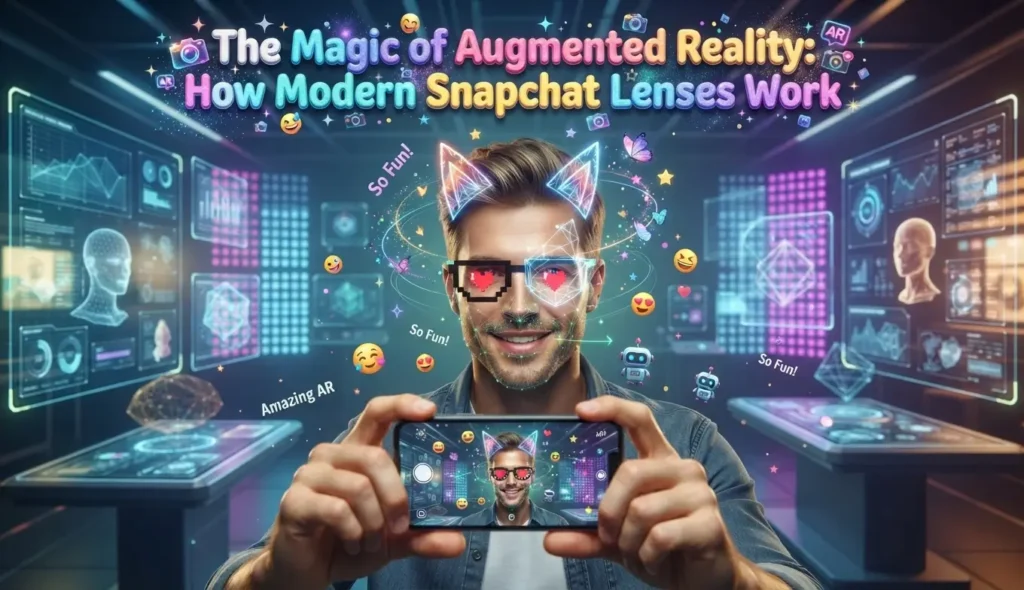
Augmented reality might sound like high-tech science fiction, but it powers every single face transformation you see on your screen. When you point your front camera at your face, the app creates a invisible 3D mesh over your facial features in milliseconds.
This digital mesh detects key structural points around your eyes, nose, mouth, and chin so effects move naturally whenever you move.
Facial Tracking and Dynamic Mesh Mapping
The underlying software tracks dozens of specific reference points across your face to anchor digital graphics smoothly. If you tilt your head or raise an eyebrow, the virtual accessories or face-warping effects tilt right along with you.
This precise tracking ensures that digital glasses stay perched on your nose rather than floating awkwardly in mid-air.
- Keypoint Detection: Maps structural landmarks like eye corners, lip contours, and cheekbones.
- Real-Time Rendering: Applies lighting adjustments, textures, and 3D objects instantly without lag.
- Expression Recognition: Detects specific actions like opening your mouth or blinking to trigger hidden animations.
- Environmental Depth Sensing: Blends digital objects seamlessly into your physical surroundings using back cameras.
Trigger Actions: Making the Animation Happen
Many interactive lenses rely on simple user gestures to activate special effects, sounds, or color transformations. A quick cue on screen often prompts you to tap the display, nod your head, or open your mouth wide.
Opening your mouth might shoot rainbow beams across the screen, while raising your eyebrows could activate a fun voice pitch modifier.
Popular Categories of Snapchat Lenses to Try Today
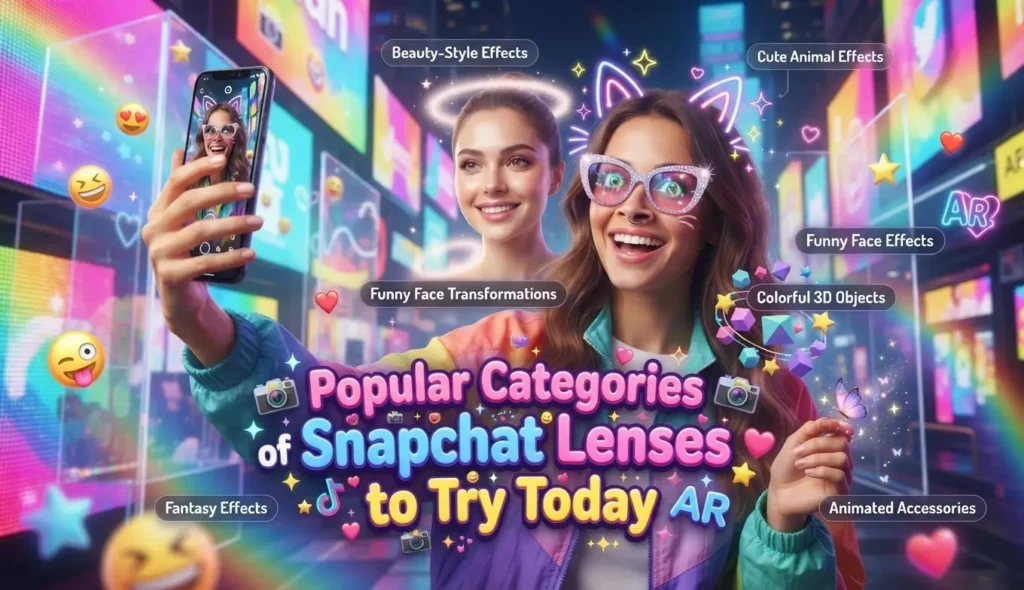
The lens library contains millions of creations, ranging from hilarious face distorters to subtle portrait enhancers. Exploring different styles ensures you always have the right lens ready for any chat scenario.
Let’s break down the main categories that keep millions of users snapping daily.
Funny Face Morphs and Distortions
Hilarious face distortion lenses remain timeless favorites across every age group. These lenses warp your features by enlarging your eyes to cartoon proportions, stretching your forehead, or shrinking your nose to comedic extremes.
The famous crying face lens and giant mouth effect have produced countless viral clips across social media platforms.
Aesthetic Color Tones and Soft Lighting
If you want a polished look without heavy cartoon distortions, aesthetic lenses offer warm vintage hues, grain effects, and soft skin smoothing. These options replicate cinematic camera stock or popular film photography styles.
They provide clean color grading that enhances lighting conditions without altering your fundamental facial shape.
Interactive Games and Challenges
Interactive game lenses transform your camera into a playable arcade challenge controlled entirely by facial movements or hand gestures. You might tilt your head left and right to steer a kart around obstacles or catch falling food items in your mouth.
These lenses are perfect for sending friendly score challenges back and forth with your closest friends.
Voice Changers and Audio Modifiers
Combining visual transformations with altered audio creates twice the impact for video snaps. Audio-enabled lenses alter your pitch to make you sound like a high-pitched chipmunk, a deep robotic villain, or an echoey stadium announcer.
These hilarious sound modifications turn simple video updates into memorable comedy clips.
How to Find and Unlock Hidden Snapchat Lenses
While the main camera screen features a rotating carousel of trending options, thousands of unique creations remain tucked away in search directories. Learning how to search effectively helps you discover hidden gems before they go viral.
Here are the best methods to expand your personal lens collection.
Using the Lens Explorer Search Bar
Tap the magnifying glass icon or the small smiley face button on your camera screen to open the dedicated Lens Explorer tab. Here you can type specific keywords like “retro,” “pixel,” “funny dog,” or “anime” to find specialized community creations.
You can instantly test lenses, favorite them for later use, or share direct links with your friends.
Scanning Snapcodes from Friends and Online Creators
Every custom lens has a unique matrix barcode known as a Snapcode. When you see a cool lens used in a story or shared on a website, simply point your camera at the code and hold down your thumb on the screen to scan it.
The app will immediately pop up a menu allowing you to unlock the lens for 24 hours or save it permanently to your favorites list.
Creating Your Own Custom Snapchat Lenses
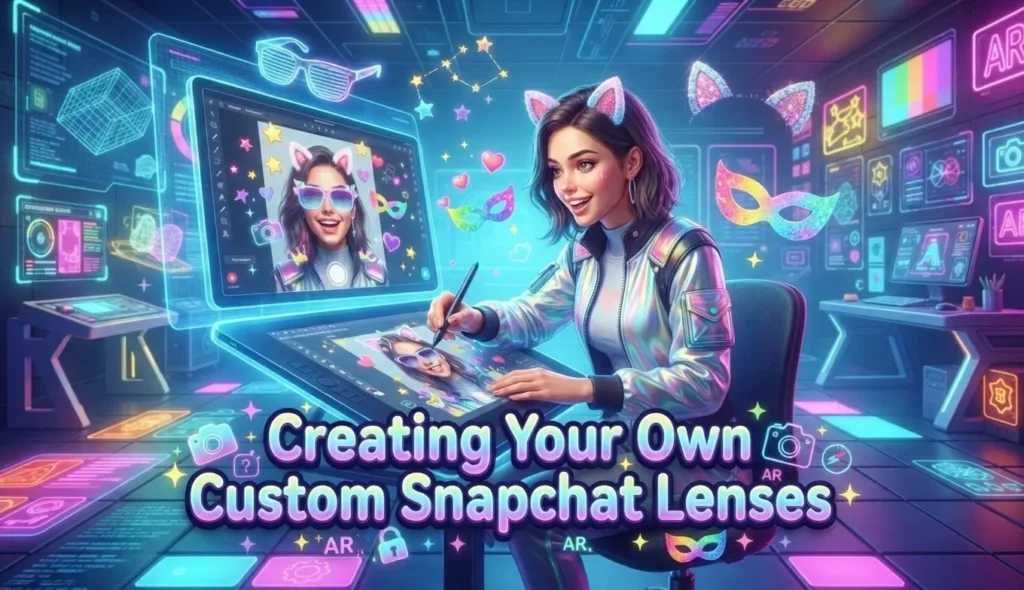
You do not need an advanced degree in computer programming to design personalized lenses for special events like birthdays, weddings, or graduation parties. Simple desktop tools make original creation accessible to anyone with a little imagination.
Let’s take a look at how digital creators build custom camera filters.
Using Web-Based Filter Studio Templates
For quick text overlays, custom borders, and festive event frames, online design tools allow you to pick pre-made layouts. You can add personalized names, dates, digital stickers, and custom fonts within a few minutes.
Once submitted, these geofilters appear for anyone using the app within a specific physical location during your chosen event timeframe.
Building 3D Experiences in Lens Studio
For advanced 3D face tracking, custom animations, and interactive game mechanics, Lens Studio offers a powerful free desktop application for Windows and Mac. Creators can import custom 3D models, build particle effects, and program complex logic triggers.
Publishing your creation through Lens Studio gives you a shareable Snapcode that allows users around the world to try your original design.
Practice Exercise
Test your understanding of lens mechanics, search discovery tricks, and creator tools with these 5 multiple-choice questions.
- What digital technology maps facial features in real time to anchor digital effects on screen?
A. Static screenshot printing
B. Augmented reality 3D mesh tracking
C. Analog satellite telemetry
D. Optical disc writing - How do interactive game lenses typically receive input from the user?
A. By connecting an external USB game controller to the phone
B. By detecting facial movements like tilting your head or blinking
C. By reading physical paper cards held up to the lens
D. By typing complex keyboard shortcuts into a chat window - What is the quickest way to unlock a specific lens seen on an external website or printed poster?
A. Scanning the unique Snapcode image using your phone camera
B. Restarting your mobile phone three times in a row
C. Calling customer support to request a manual download
D. Deleting and reinstalling the app from the application store - Which free desktop software program allows creators to build advanced 3D lenses and interactive AR experiences?
A. Lens Studio
B. Paint Brush
1.0 C. Text Editor Pro
D. Audio Mixer Basic - What happens when a lens features an integrated voice modifier?
A. It silences all background noise completely.
B. It alters your pitch in real time to create robotic or chipmunk audio effects.
C. It translates your speech into foreign languages automatically.
D. It mutes your phone speaker output permanently.
Answer Key:
- B
- B
- A
- A
- B
FAQs
Why are my Snapchat filters not loading on my phone screen?
Filter loading issues usually stem from weak internet connectivity or outdated application software. Ensure your Wi-Fi connection is stable, clear your app cache in the settings menu, and update the application through your official app store.
Can I save a lens so I can use it anytime without having to search?
Yes, you can easily favorite any lens by tapping the info icon below the shutter button while using it. Tapping the small heart icon saves the lens directly to your personal favorites tab for instant access later.
Are all Snapchat lenses completely free to use?
The vast majority of lenses in the public directory and Lens Explorer are completely free to use. However, some sponsored branded filters or location-specific event geofilters may involve promotion fees paid by businesses or event hosts.
Why does my phone get warm when using camera filters for a long time?
Processing real-time 3D graphics, camera feeds, and facial tracking requires significant computing power from your phone’s graphics processor. This intensive processing generates heat and consumes battery power faster than standard text messaging.
Can I remove a filter from a photo after recording a video?
If you applied the filter directly in the camera’s live view before recording, the effect is merged into the final video file. However, simple color tint overlays added after recording can usually be swiped away before saving.
Conclusion
Exploring the world of fun Snapchat filters offers an easy, creative way to bring humor, artistic flair, and personality to your daily digital conversations. From classic face distortions and voice modifiers to subtle color grading and interactive mini-games, there is always a lens to match your mood.
By mastering simple search tricks, scanning custom Snapcodes, and favoriting top community creations, you can keep your camera carousel packed with entertaining options.
Open your app today, search for a wild new lens, and send a hilarious snap to brighten a friend’s afternoon!

Jack Olive is the creative mind behind buzzgiggles.com, a fun-focused website built to bring smiles, laughter, and lighthearted entertainment to everyday life. With a passion for humor and enjoyable content, Jack Olive creates and shares playful ideas, amusing stories, entertaining discoveries, and cheerful moments designed for readers of all kinds.
Through buzzgiggles.com, Jack Olive combines creativity, curiosity, and a positive sense of humor to explore the lighter side of life. Whether visitors are looking for a quick laugh, something interesting to share, or a cheerful break from their routine, the website offers content created with fun in mind. Jack Olive believes great entertainment should be easy to enjoy, memorable, and capable of brightening someone’s day.