
Fun summer backgrounds are vibrant digital wallpapers and physical backdrops featuring sunny beach scenes, tropical fruits, pastel gradients, and playful seasonal illustrations. They instantly refresh smartphone screens, desktop monitors, video conference calls, and social media graphics by bringing a cheerful, sun-drenched aesthetic to everyday digital devices.
Have you ever opened your smartphone on a rainy afternoon and wished for a little sunshine? Bright, fun summer backgrounds can instantly transform your screen into a cheerful escape filled with warm colors, beaches, sunshine, and vacation vibes.
Refreshing your digital screens with fun summer backgrounds is an easy and budget-friendly way to make everyday technology feel more exciting. You can update your phone, laptop, tablet, or desktop without spending money on expensive designs or accessories.
Whether you need a cheerful backdrop for video meetings or an aesthetic wallpaper for your phone, choosing high-resolution designs can bring a relaxing summer atmosphere to your routine. Look for colorful scenes, tropical patterns, ocean views, or playful illustrations.
In this guide, you’ll discover popular styles, free sourcing ideas, sizing tips, and simple customization methods. Explore fun summer backgrounds and give your digital screens a fresh, sunny makeover today!
Why Visual Backgrounds Affect Our Daily Mood and Focus
The colors and imagery you see every time you wake up on your phone screen play a quiet role in setting your emotional baseline throughout the day. Psychologists have long observed that vibrant colors and open natural landscapes reduce subconscious stress and stimulate creative thinking.
When you replace a dark or cluttered wallpaper with bright seasonal imagery, you give your brain a mini sensory reset every time you glance at your screen.
The Psychology of Warm Seasonal Colors
Bright yellows, ocean aquas, coral pinks, and lush greens trigger feelings of optimism and warmth. These shades reflect natural outdoor environments where our bodies naturally relax, soak up vitamin D, and unwind from daily pressure.
Looking at a clear blue ocean wallpaper during a busy workday offers a brief mental breather that helps sustain long-term focus.
- Color Energy: Warm citrus tones like lemon yellow and orange spark mental energy and enthusiasm.
- Calming Aquas: Soft turquoise and deep ocean blues lower heart rates and foster a sense of mental clarity.
- Nostalgic Warmth: Pastel sunsets and golden hour hues evoke happy memories of summer vacations and outdoor freedom.
- Visual Decluttering: Clean, bright backgrounds make application icons easier to organize and locate quickly on desktop grids.
Switching Wallpapers to Mark Seasonal Mindset Shifts
Changing your digital wallpaper to match the current season creates a clear boundary between different times of the year. It signals a shift from structured winter routines to the relaxed, open spirit of warmer weather.
This simple digital habit keeps your interaction with technology feeling fresh, intentional, and personally expressive.
Popular Styles of Fun Summer Backgrounds for Every Device
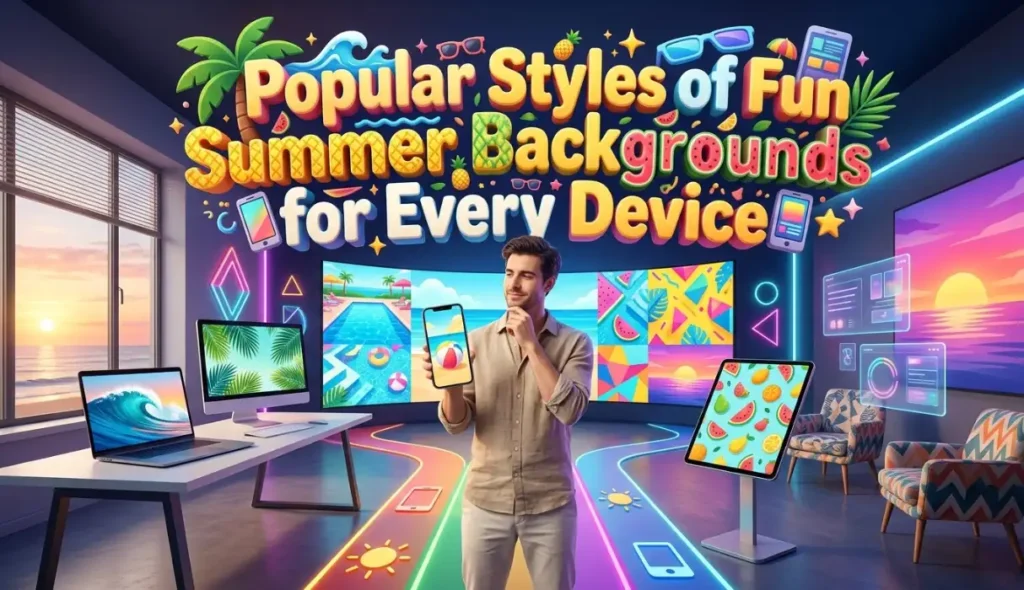
Not all wallpapers serve the same visual purpose or fit the same personal aesthetic. Depending on whether you prefer minimal line art, bold photographic landscapes, or cute cartoon patterns, there is a design style tailored for you.
Let’s look at the top wallpaper trends dominating screens this season.
Tropical Landscapes and Beach Photography
High-resolution photographs of swaying palm trees, crystal-clear turquoise waves, and powdery white dunes remain timeless classics. Real-world photography brings the soothing beauty of nature directly onto your high-definition monitors and tablet displays.
Drone aerial shots showing gentle ocean waves breaking over coral reefs look particularly stunning on large widescreen desktop monitors.
Playful Fruit Patterns and Retro Graphic Illustrations
If you love playful art styles, illustrated pattern wallpapers featuring sliced watermelons, ripe pineapples, coconut drinks, and sunglasses offer endless charm. These designs use flat vector shapes and vibrant color blocks that make your lock screen look modern and stylish.
- Retro 70s Sunbursts: Warm orange, cream, and mustard yellow wavy stripes that deliver a nostalgic retro beach vibe.
- Pastel Citrus Scraps: Soft pink backdrops scattered with hand-drawn lemon slices and green mint leaves.
- Neon Poolside Vibes: Bold neon pink floats floating on bright blue pool water textures for a high-energy look.
- Minimalist Beach Lines: Simple outline art depicting seashells, waves, and sun rays against neutral sandy backgrounds.
Best Funny Summer Backgrounds for a Good Laugh
Funny summer backgrounds bring humor and seasonal creativity to your phone, laptop, tablet, or desktop screen. These designs combine sunny colors with amusing characters, silly beach situations, summer jokes, and playful illustrations. Whether you enjoy cartoon humor or relatable vacation memes, a funny wallpaper can add personality to your everyday digital experience.
Hilarious Cartoon Characters and Beach Scenes
Cartoon-inspired wallpapers are a popular choice for anyone who enjoys lighthearted summer designs. Imagine a sun wearing oversized sunglasses, a penguin relaxing on a tropical beach, or a coconut sporting a ridiculous smile. Other fun ideas include animals struggling with beach umbrellas, ice cream characters escaping the summer heat, and animated crabs wearing tiny vacation hats.
Funny Summer Memes and Relatable Jokes
Meme-style backgrounds turn common summer experiences into humorous digital artwork. Popular themes include people desperately searching for air conditioning, vacationers packing far too many bags, and cartoon characters refusing to leave the swimming pool. Short captions and summer-related puns can make these backgrounds even more entertaining, especially for people who enjoy sharing their sense of humor online.
Choosing Funny Backgrounds for Different Devices
For smartphones, choose vertical designs featuring a clear character or short joke that remains visible behind app icons. Desktop wallpapers work best with horizontal compositions that leave enough space for shortcuts. If you use a funny summer background for video calls, select a simple design with humor that remains appropriate for work or school. Always choose a resolution that matches your device to keep illustrations sharp and readable.
Where to Find or Create Humorous Summer Wallpapers
Explore free wallpaper libraries and royalty-free image platforms for cartoon beaches, humorous tropical illustrations, and playful summer scenes. You can also create your own design using a free graphic editor by combining a sunny background, a funny character, and a short original caption. Check the usage terms before using or sharing downloaded artwork, particularly for commercial projects.
From silly beach animals to amusing summer memes, funny summer backgrounds offer a creative way to make your digital screens more cheerful and entertaining.
How to Choose the Right Resolution for Mobile and Desktop
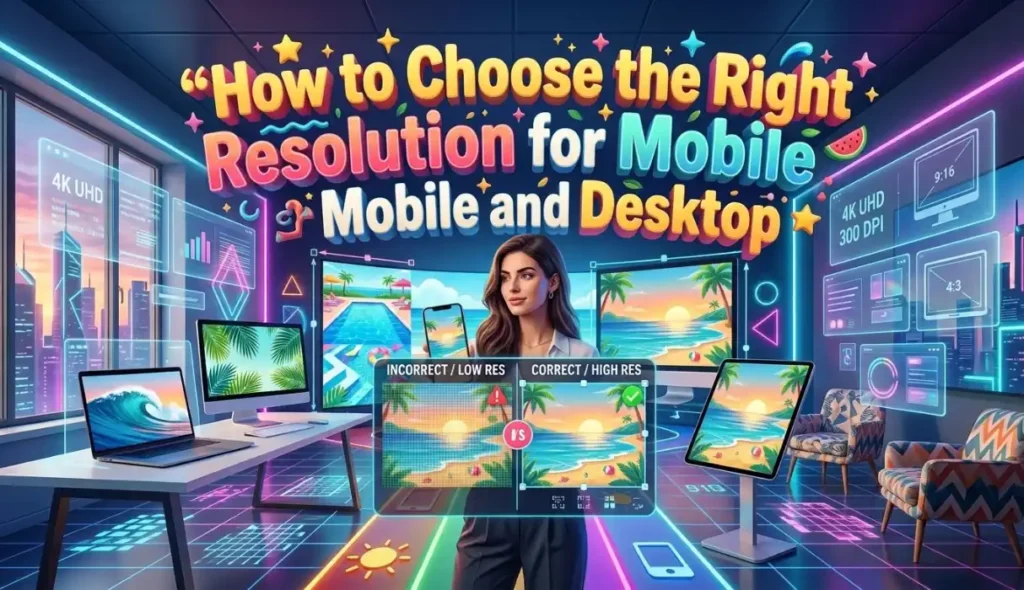
A beautiful background image can quickly lose its magic if it appears blurry, pixelated, or stretched awkwardly across your display screen. Understanding basic screen proportions ensures your wallpaper fits flush against every edge.
Matching the correct image dimensions to your specific hardware preserves crisp details and vivid colors.
Mobile Vertical Ratios vs. Desktop Widescreen Formats
Smartphones and tablets use vertical orientation formats, typically requiring an aspect ratio of 9:16 or 19.5:9 for modern bezel-free display glass. Desktop computers, laptops, and external monitors require horizontal orientation images, usually matching a standard 16:9 or 21:9 ultrawide ratio.
If you try using a vertical phone wallpaper on a wide desktop laptop, the image will crop away important visual elements or stretch awkwardly across the screen.
High-Definition Resolution Benchmarks
To keep your digital displays looking crisp, always download source files that meet or exceed these standard resolution pixel counts:
- Smartphone Lock Screens: Minimum resolution of 1080 x 1920 pixels for crisp clarity on OLED displays.
- Standard Laptop Screens: Minimum resolution of 1920 x 1080 pixels (Full HD) to avoid blurry stretching.
- 4K Desktop Monitors: Download high-resolution files measuring 3840 x 2160 pixels for ultra-sharp visual details.
- Tablet Retina Displays: Look for square or adaptable vertical files measuring at least 2048 x 2732 pixels.
Setting Up Virtual Backgrounds for Video Call Conferences

Remote work and online classes mean our video camera backgrounds are visible to colleagues, clients, and teachers throughout the week. Using a cheerful summer virtual backdrop hides home clutter while adding a friendly seasonal touch to video meetings.
Following a few simple setup rules ensures your virtual camera background looks seamless and professional without distracting visual glitches.
Lighting Yourself Properly to Prevent Camera Glitches
Virtual background software uses contrast algorithms to separate your head and shoulders from the physical wall behind your office chair. If your room is dim, the software gets confused, causing your ears or hair to disappear into the background image.
Face a bright window or place a warm ring light behind your webcam so your face stands out clearly from your room wall.
Choosing Subtle Backdrops That Do Not Distract
While neon patterns look great on phone lock screens, video conference calls require slightly more restrained background selections. Choose soft-focus beach porch scenes, subtle tropical leaf shadows, or pastel sky gradients that do not draw attention away from your speaking face.
Keep your background selection tasteful, lighthearted, and easy on the eyes of your meeting attendees.
Creating Your Own Custom Backgrounds Using Free Tools
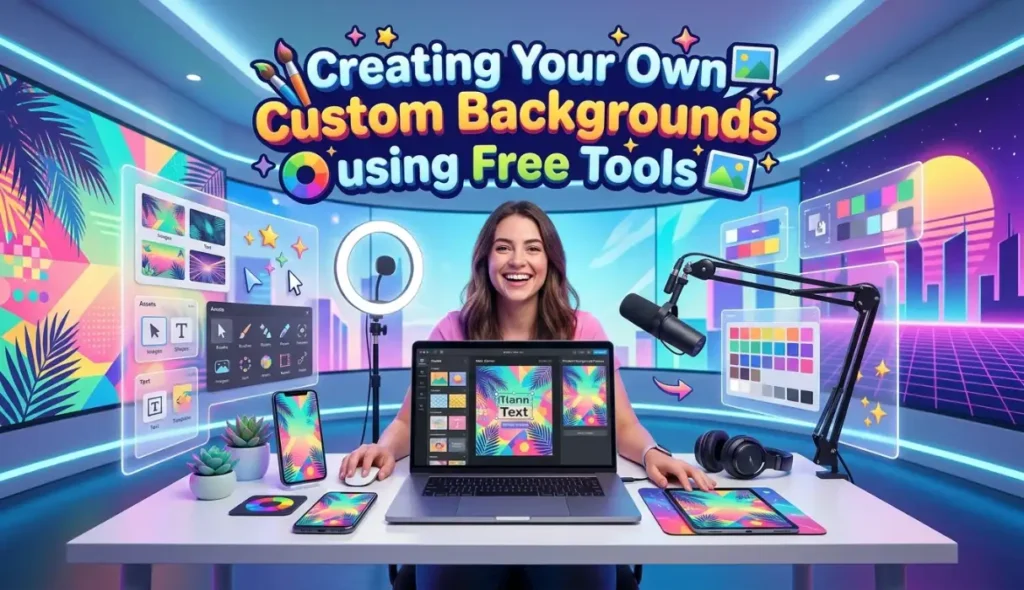
If you cannot find the exact wallpaper design you are dreaming of online, creating your own custom graphic is surprisingly easy. Free web-based design platforms offer pre-made templates, stock photos, and drag-and-drop graphics that make DIY design simple for complete beginners.
Designing your own background lets you personalize colors, add motivational quotes, or organize custom desktop icon organizers.
Step-by-Step Guide to Designing a Personal Wallpaper
- Select Your Canvas Size: Open a free online design tool and type in your exact device pixel dimensions (such as 1080 x 1920 for smartphones).
- Pick a Base Color or Photo: Choose a soft gradient background or upload your favorite beach vacation photograph as the base layer.
- Add Playful Graphic Elements: Search for free vector stickers like suns, palm leaves, ocean waves, or fruit icons to overlay onto your canvas.
- Overlay Inspiring Quotes: Type your favorite short summer motto or goal in a clean, legible font near the center or bottom third.
- Export High-Resolution File: Download the finished artwork as a high-quality PNG or JPG file directly to your camera roll.
Building Desktop Icon Organizer Wallpapers
An icon organizer background divides your laptop desktop into visual sections or drawn shelves where you can park your folder shortcuts. You can label separate boxes for “Work Projects,” “Personal Files,” “To Read,” and “Daily Utilities.”
Designing these functional boxes over a warm sandy background turns a messy desktop screen into a neat, stress-free organizational system.
Practice Exercise
Test your knowledge of digital wallpaper styles, resolution standards, and graphic setup tips with these 5 multiple-choice questions.
- Which psychological effect is commonly associated with viewing bright turquoise and ocean blue background wallpapers?
A. Increased feelings of physical hunger.
B. Lowered stress levels and a sense of mental clarity.
C. Extreme tiredness and immediate sleepiness.
D. Complete loss of interest in digital devices. - What is the standard minimum pixel resolution recommended for Full HD laptop screens?
A. 100 x 100 pixels
B. 500 x 800 pixels
C. 1920 x 1080 pixels
D. 5000 x 5000 pixels - Why do vertical smartphone wallpapers look stretched or cropped when applied to a wide laptop monitor?
A. Laptops refuse to read image files created on mobile phones.
B. Smartphone wallpapers use vertical 9:16 aspect ratios while laptops require wide 16:9 formats.
C. Laptops automatically convert all wallpapers into black-and-white images.
D. Smartphone images lose all their colors when moved to computers. - What is the best lighting setup to prevent camera glitches when using virtual backgrounds during video calls?
A. Turning off all lights in your room so it is pitch black.
B. Placing a strong flashlight directly behind your computer monitor.
C. Position bright, even lighting in front of your face so your outline is clearly visible to the webcam.
D. Flashing red and blue party lights continuously against your back wall. - How does a desktop icon organizer wallpaper help improve digital productivity?
A. It deletes old files automatically without asking for permission.
B. It divides the screen into labeled visual boxes where shortcuts and folders can be organized neatly.
C. It speeds up internet connection speeds across all home Wi-Fi networks.
D. It prevents computer monitors from overheating during summer heatwaves.
Answer Key:
- B
- C
- B
- C
- B
FAQs
Where can I find high-quality fun summer backgrounds for free without watermarks?
You can find thousands of free, high-resolution background photos on royalty-free stock image websites like Unsplash, Pexels, and Pixabay. These platforms offer clear search filters for mobile or desktop orientations without charging subscription fees or adding intrusive brand watermarks.
Will using bright animated or live wallpapers drain my phone battery faster?
Yes, live or moving video wallpapers require continuous processor power and display backlight energy, which drains smartphone battery life faster than static images. If you want to conserve battery power throughout the day, choose crisp, high-resolution still images instead.
How can I make my desktop app icons easier to read against a bright background?
If your background photo is bright or multicolored, slightly lower the image opacity or add a semi-transparent dark overlay layer behind your icons. Alternatively, choose minimalist wallpaper designs that keep the upper left corner relatively uncluttered for clean text contrast.
What wallpaper style works best for dark mode mobile displays?
Look for deep-ocean photography, nighttime beach campfire scenes, or dark pastel gradients that maintain a relaxed summer theme without producing harsh white-screen glare. These darker options save OLED battery life while protecting your eyes during late-night screen reading.
How often should I change my digital backgrounds to maintain a fresh feel?
Changing your wallpaper every few weeks or at the start of each new month keeps your device interaction feeling fresh and engaging. Rotating through a collection of seasonal wallpapers prevents visual fatigue without requiring constant maintenance or design adjustments.
Conclusion
Refreshing your digital screens with fun summer backgrounds is a simple, creative way to bring warmth, color, and joy into your daily routine. From serene ocean beach photography to playful fruit patterns, a great background transforms your relationship with your devices.
By picking the right resolution, experimenting with virtual meeting backdrops, and trying custom design tools, you can easily build a workspace that inspires you.
Download your favorite sunny wallpaper today, organize your desktop, and enjoy a bright, cheerful view every time you turn on your screen!

Jack Olive is the creative mind behind buzzgiggles.com, a fun-focused website built to bring smiles, laughter, and lighthearted entertainment to everyday life. With a passion for humor and enjoyable content, Jack Olive creates and shares playful ideas, amusing stories, entertaining discoveries, and cheerful moments designed for readers of all kinds.
Through buzzgiggles.com, Jack Olive combines creativity, curiosity, and a positive sense of humor to explore the lighter side of life. Whether visitors are looking for a quick laugh, something interesting to share, or a cheerful break from their routine, the website offers content created with fun in mind. Jack Olive believes great entertainment should be easy to enjoy, memorable, and capable of brightening someone’s day.