
Fun slideshow ideas include creative presentation themes like roasts of friends, baby photo guessing games, imaginary TED talks, and travel predictions. These engaging multimedia concepts transform boring presentations into hilarious interactive experiences, keeping audiences laughing and participating enthusiastically during parties, family reunions, and casual get-togethers.
Have you ever sat through a long, dry presentation wishing you were anywhere else in the world? Discovering clever fun slideshow ideas changes the way you share memories and jokes with your friends forever.
Instead of boring charts, these creative visual concepts bring pure laughter to any gathering.
Planning your next party using unique fun slideshow ideas guarantees your guests will stay entertained from start to finish.
Ready to see how fun slideshow ideas can turn your next evening hangout into an unforgettable comedy show? Let’s explore hilarious presentation themes, roasting games, and interactive projection tools together!
Why PowerPoint Presentations Are No Longer Just for Boardrooms
For decades, slide decks were strictly reserved for corporate meetings, classroom lectures, and serious financial reports. People associated projectors and slide templates with heavy corporate jargon, endless bullet points, and falling asleep in dark rooms.
Recently, pop-culture trends and social media shifted public perception, turning slide decks into casual comedy platforms.
Friends now gather around living room televisions to share custom presentations packed with inside jokes, quirky theories, and funny personal awards.
The Rise of Comedy Presentation Nights
Comedy presentation nights have exploded in popularity among college students, young professionals, and family groups alike. Everyone receives a specific creative prompt, builds a short five-slide presentation, and shares it with the group over drinks and snacks.
This informal format levels the playing field, allowing both natural speakers and quiet introverts to shine.
It turns passive social gatherings into active, high-energy variety shows filled with shared laughter.
Visual Storytelling as a Bonding Tool
Humans process visual images much faster than plain text, making slideshows an incredible medium for emotional storytelling. Combining vintage photographs, funny captions, and custom animations triggers nostalgic conversations instantly.
When people see themselves represented in funny, lighthearted contexts, social barriers drop away immediately.
This shared storytelling format builds deeper friendships and creates unforgettable inside jokes that linger for months.
Hilarious Presentation Themes for Your Next Party
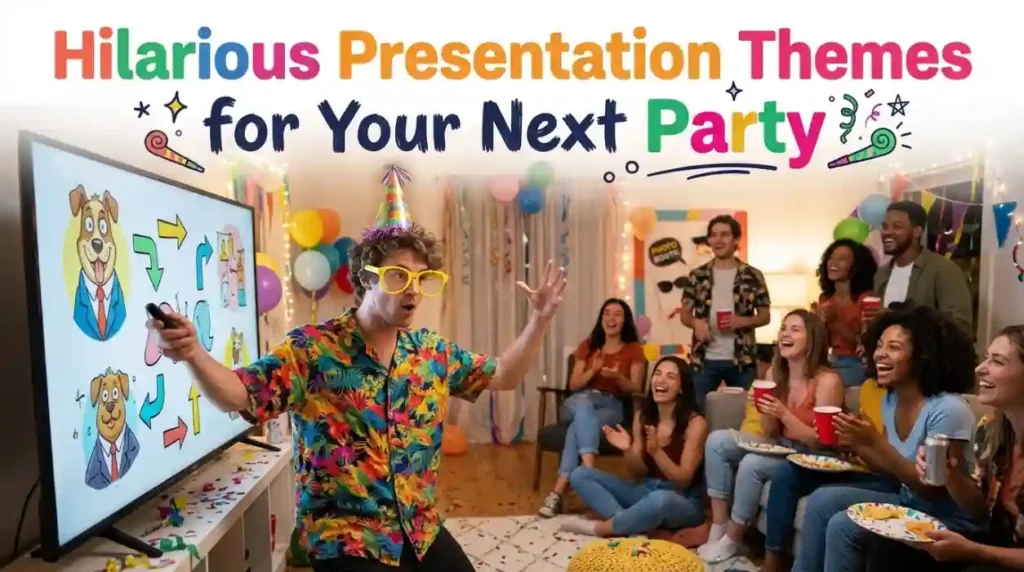
Choosing the right overarching theme is the secret ingredient to hosting a successful group presentation night. You want a topic that is broad enough for everyone to interpret creatively, yet specific enough to spark instant inspiration.
Whether your group loves pop culture, quirky personal opinions, or nostalgic childhood throwbacks, there is a perfect theme waiting for you.
Here is a quick summary comparing popular party presentation themes, ideal audience types, and tone styles.
The Ultimate Friend Group Roast Deck
Assign every guest the name of another person in the room and task them with building a three-slide roast presentation. The rules are simple: keep the humor affectionate, focus on funny daily habits, and avoid crossing any lines.
Slides can feature embarrassing childhood photos, funny fashion choices from past years, or hilarious text message screenshots.
Presenting these gentle roasts in a formal, corporate-style bullet point format amplifies the comedic contrast.
Absurd Conspiracy Theories You Actually Believe
Challenge your friends to defend a completely harmless, ridiculous conspiracy theory using professional presentation graphics. Topics can range from claiming that pigeons are government surveillance drones to proving that cats run the global economy.
Speakers must use serious corporate speech patterns, pie charts, and stock imagery to argue their case.
Watching someone present a completely fake argument with absolute scientific authority is guaranteed to generate non-stop laughter.
Interactive Games and Guessing Slideshows
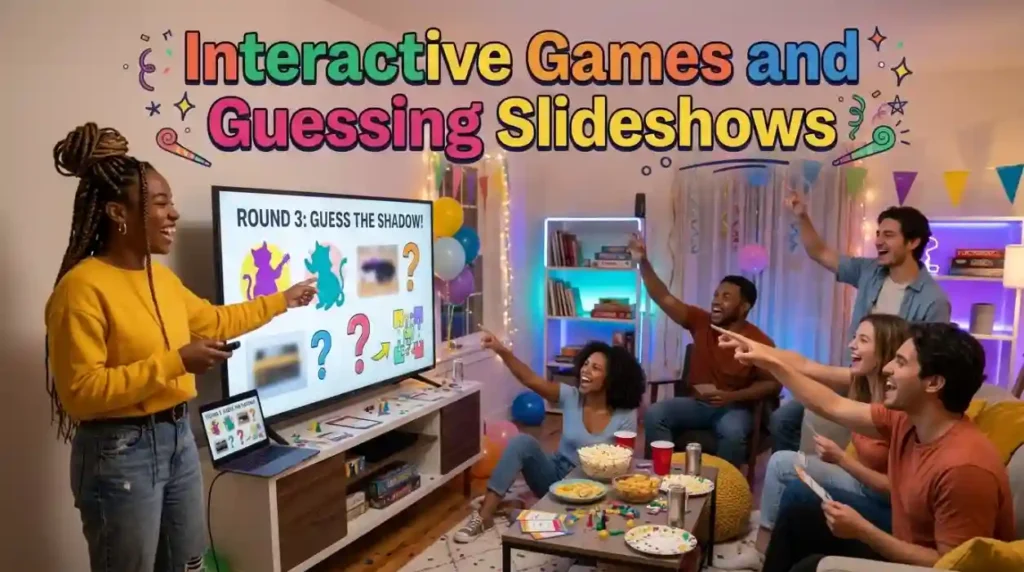
If you prefer games where everyone participates simultaneously rather than listening to single speakers, interactive guessing decks are fantastic. These multimedia games test your group’s memory, observation skills, and pop-culture knowledge.
Setting up these templates takes very little time, yet they provide hours of engaging competitive fun.
Let’s explore some of the most popular interactive game formats you can project onto your living room wall.
Guess Whose Baby Photo or Childhood Diary Entry
Ask all attendees to submit an embarrassing baby photograph or a dramatic diary entry written during their middle school years. Compile the submissions into a single slideshow deck, numbering each slide sequentially from one to twenty.
Distribute paper scorecards and pens to every guest as they enter the room.
As each baby photo appears on screen, guests write down their guesses before revealing the surprising truth on the following slide.
The “Swipe Right or Left” Dating Profile Review
Take screenshots of funny, bizarre, or overly aggressive dating app profiles found online, cropping out real personal names. Project each profile onto the big screen and let the group vote collectively on whether to swipe right or left.
Encourage the presenting host to read the bizarre bios out loud in a dramatic, theatrical voice.
Discussing why people chose certain profile pictures sparks hilarious lifestyle debates among your friends.
Technical Setup and Design Tips for Maximum Impact
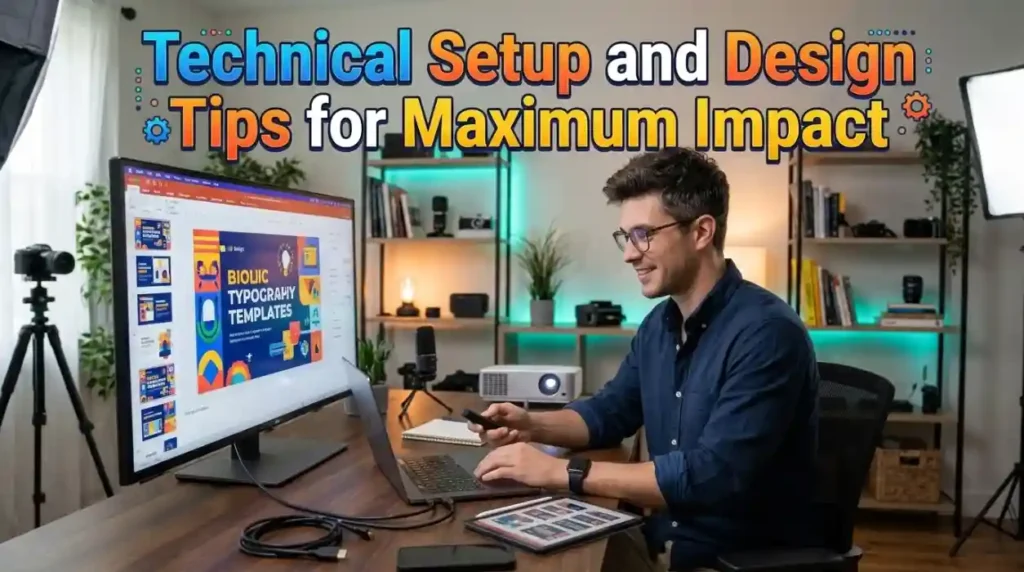
You do not need a degree in graphic design or professional multimedia editing to build a visually stunning presentation deck. Following a few simple aesthetic rules ensures your slides look clean, readable, and professional without distracting from the comedy.
Good visual formatting elevates your jokes and keeps your audience engaged from start to finish.
Here are four golden rules for designing crowd-pleasing slides.
Rule 1: Keep Text Minimal and Let Visuals Speak
The biggest mistake amateur presenters make is covering their slides with dense paragraphs of tiny text. Remember that your audience came to listen to you speak, not to stand in silence reading a textbook.
Limit each slide to three or four punchy words, a bold title headline, and a large, high-resolution funny image.
Letting the visual joke land on screen before you speak creates perfect comedic timing.
Rule 2: Embrace Absurd Stock Photography
Lean heavily into cheesy corporate stock imagery, bizarre clip art, and exaggerated graphic icons to illustrate your points. If you are talking about grocery shopping habits, include a stock photo of a person looking deeply emotional while holding a single onion.
This surreal visual contrast amplifies the absurdity of your presentation script.
Free image libraries offer millions of weird, wonderful graphics waiting to be discovered.
Rule 3: Use Clean Fonts and High Contrast
Ensure your text remains easily readable for guests sitting at the very back of the room or living room couch. Stick to bold, clean sans-serif fonts like Helvetica, Montserrat, or Futura rather than messy cursive scripts.
Maintain high contrast by pairing dark text with light backgrounds, or bright white text with dark cinematic backgrounds.
Avoid placing text directly over busy, colorful photo backgrounds where letters disappear from view.
Step-by-Step Guide to Hosting Your First Presentation Night
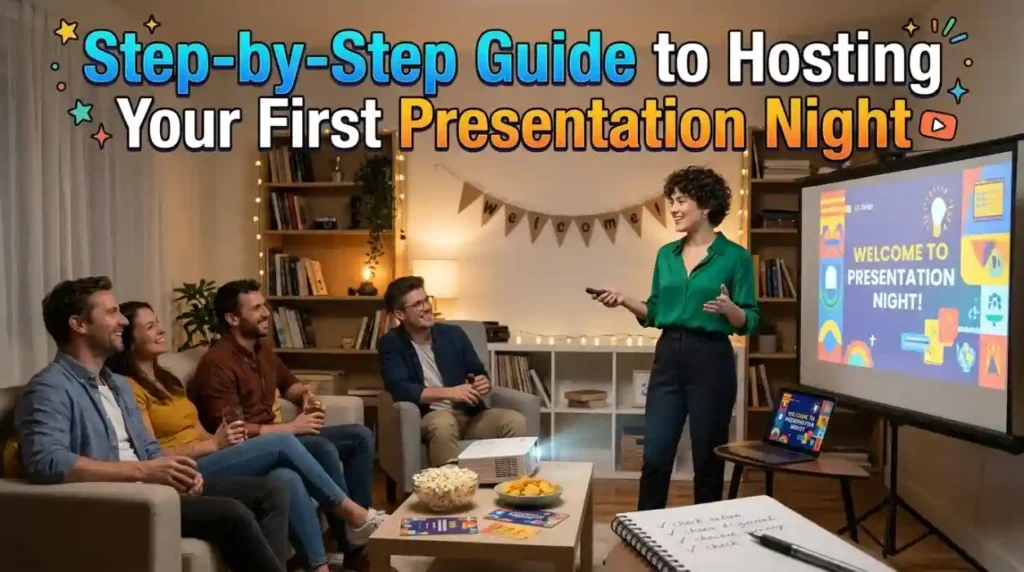
Hosting a successful presentation party requires a little structural planning to keep the evening moving smoothly. You want to create an environment where everyone feels relaxed, well-fed, and eager to share their creative decks.
Follow this simple hosting blueprint to pull off an unforgettable multimedia party.
- Send Out Invitations Early: Give your friends at least two weeks’ notice so they have plenty of time to brainstorm and build their slides.
- Establish Clear Rules and Time Limits: Keep individual presentations between three and five minutes long to prevent audience fatigue.
- Set Up the Projection Hardware: Test your projector, television HDMI cables, and wireless clickers well before guests arrive at your front door.
- Provide Good Food and Drinks: Serve easy finger foods, snacks, and refreshing beverages to keep energy levels high throughout the evening.
- Kick Off with a Professional Example: Give the very first presentation yourself to model the casual, humorous tone for the rest of the group.
Practice Exercise
Test your understanding of presentation themes, design rules, interactive games, and hosting strategies with this quick five-question multiple-choice quiz.
- What is the primary benefit of keeping text minimal on your presentation slides?
A. It allows the audience to read a novel while you speak
B. It lets visual jokes land effectively while keeping the audience focused on your spoken words
C. It saves computer hard drive storage space permanently
D. It prevents the projector from overheating during use - Which presentation theme involves roasting friends using playful humor and old photographs?
A. The Quantum Physics Research Deck
B. The Friend Group Roast Deck
C. The Corporate Tax Compliance Guide
D. The Global Weather Pattern Analysis - What style of imagery is recommended to amplify comedy during presentation nights?
A. Cheesy stock photos, bizarre clip art, and exaggerated graphic icons
B. Strict black-and-white financial spreadsheets only
C. Blank white screens with no visuals whatsoever
D. Low-resolution pixelated camera thumbnails - What is the recommended time limit for individual presentations during a party night?
A. Exactly two hours per speaker
B. Between three and five minutes to prevent audience fatigue
C. Ten seconds maximum
D. Forty-five minutes of heavy lecturing - Why are interactive guessing slideshows like baby photo reviews popular at gatherings?
A. They force guests to take written pop quizzes for school grades
B. They get everyone participating simultaneously and spark nostalgic conversations
C. They require expensive virtual reality headsets
D. They eliminate the need for any electricity or lighting
Answer Key:
- B
- B
- A
- B
- B
FAQs
What software should I use to create party slide decks?
Free web tools like Google Slides, Canva, and Microsoft PowerPoint offer all the templates, animations, and graphic libraries you need. Canva is especially popular because it provides thousands of fun, aesthetic design elements out of the box.
How many slides should each person include in their presentation?
Aim for roughly five to ten slides per presentation. This count provides enough visual variety to support a three-to-five-minute talk without dragging on too long or rushing through jokes.
What should I do if a guest feels too nervous to present in public?
Remind them that the atmosphere is entirely casual, supportive, and focused on fun rather than perfection. Alternatively, allow nervous guests to co-present with a partner or let the host click through their slides while they narrate.
Can we host a presentation night virtually over video chat?
Yes, platforms like Zoom, Discord, and Google Meet feature robust screen-sharing tools that make virtual presentation nights effortless. Participants can share their computer screens from anywhere in the world while laughing together on camera.
How can I keep the presentation order organized during the party?
Write down everyone’s name on small slips of paper and draw them randomly from a hat at the start of the night. Random ordering adds an exciting element of suspense to who gets to speak next.
Conclusion
Transforming an ordinary gathering with creative fun slideshow ideas turns your living room into an unforgettable comedy club. From hilarious friend roasts and absurd conspiracy theories to nostalgic childhood photo guessing games, interactive decks bring people closer through shared laughter.
Remember that the goal is not perfection, but rather enjoying each other’s creativity and humor.
Pick your favorite theme today, invite your closest friends over, and get ready to share some incredible presentations!

Jack Olive is the creative mind behind buzzgiggles.com, a fun-focused website built to bring smiles, laughter, and lighthearted entertainment to everyday life. With a passion for humor and enjoyable content, Jack Olive creates and shares playful ideas, amusing stories, entertaining discoveries, and cheerful moments designed for readers of all kinds.
Through buzzgiggles.com, Jack Olive combines creativity, curiosity, and a positive sense of humor to explore the lighter side of life. Whether visitors are looking for a quick laugh, something interesting to share, or a cheerful break from their routine, the website offers content created with fun in mind. Jack Olive believes great entertainment should be easy to enjoy, memorable, and capable of brightening someone’s day.